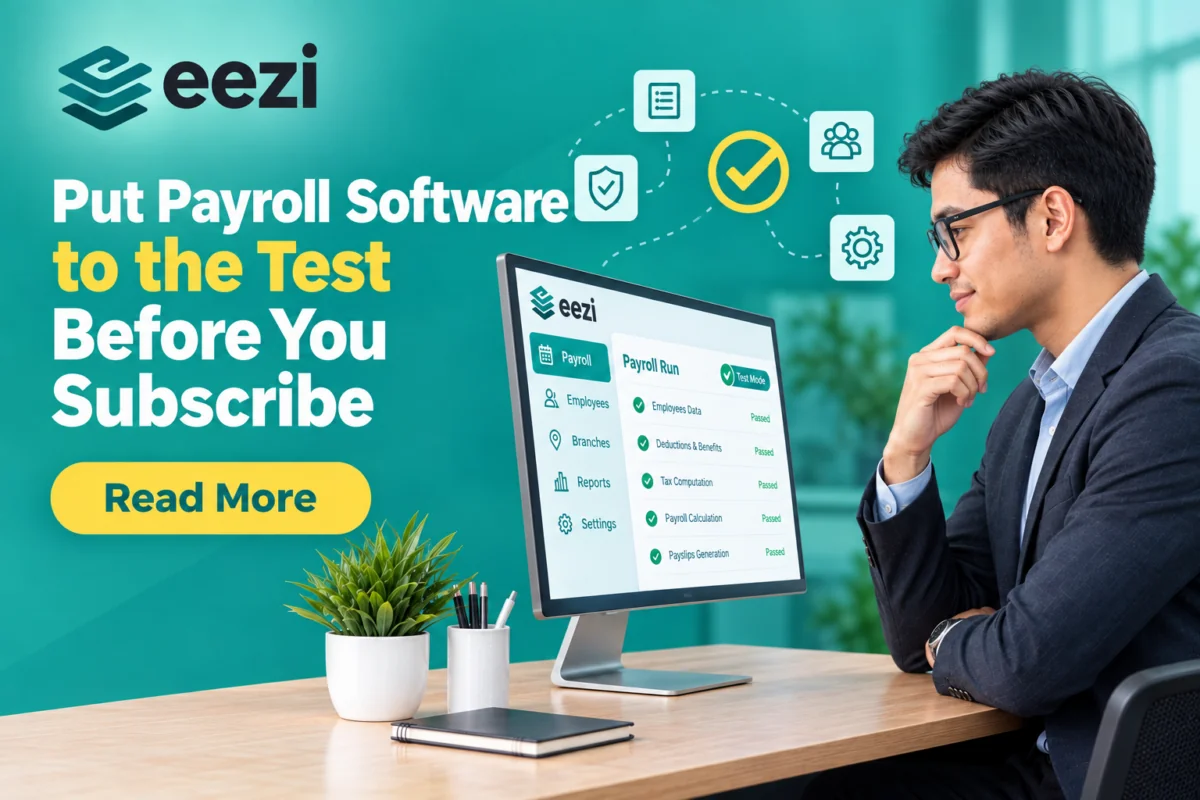
Choosing payroll software is easier when you can test it with your own payroll scenarios before paying for a subscription. A payroll system free trial Philippines, like the free demo offered by eezi, lets you see how the system handles salaries, government contributions, tax, attendance, deductions, and reports. You can use representative employee data and compare the results with payroll figures you have already checked.
Our free trial gives you access to our full HR, timekeeping, and payroll solution for two weeks, with no credit card required. Load representative employees, run different payroll scenarios, and see whether the system fits your process before you subscribe.
Why Use Payroll Software in the Philippines?
A reliable payroll system can reduce repetitive work and make payroll easier to manage. Instead of maintaining separate spreadsheets for employee information, attendance, calculations, and reports, you can manage these processes through one system.
A payroll system can help you:
- Cut manual computation. Automate salary, overtime, night differential, and deductions.
- Process payroll faster. Reduce repetitive calculations and shorten your payroll preparation time.
- Connect attendance to pay. Use timekeeping records as part of the payroll process.
- Keep records in one place. Reduce dependence on scattered spreadsheets and manual records.
- Review before release. Check payroll results, payslips, and reports before salaries go out.
These benefits are useful, but you should still test the software with your own payroll rules and employee situations. A trial gives you an opportunity to do that.
How to Test Payroll Accuracy During a Free Trial
1. Build a Representative Sample
Start with 5 to 10 employees who represent different payroll situations in your company. Include employees with different salaries, schedules, overtime, leave, loans, or allowances.
You do not need to enter every employee immediately. A representative sample lets you cover common payroll situations without spending your entire trial setting up every employee.
2. Rerun a Previous Cutoff
Choose a payroll cutoff that you have already processed. Enter the relevant employee information, earnings, attendance, and deductions into the trial system.
Compare the results line by line. Do not check only the final net pay. Review basic salary, overtime, night differential, holiday pay, leave-related adjustments, government contributions, withholding tax, loans, other deductions, and net pay.
This helps you identify exactly where two payroll results differ.
3. Verify Current Government Rules
Payroll calculations should reflect the contribution and withholding rules applicable to your employees. During your test, check the system’s results against current information from SSS, PhilHealth, Pag-IBIG, and the BIR.
| Item | What to verify | Employee share |
|---|---|---|
| SSS | 15% of the Monthly Salary Credit (MSC) up to PHP 35,000. MSC is the salary bracket SSS uses to compute your contribution. The portion above PHP 20,000 MSC goes to the Mandatory Provident Fund (MPF). | 5% of MSC in total (employer pays 10%) |
| PhilHealth | 5% of monthly basic salary, floor PHP 10,000, ceiling PHP 100,000; excludes overtime, allowances, bonuses, and 13th-month pay | 2.5% (employer pays 2.5%) |
| Pag-IBIG | Fund salary of PHP 1,500 and below: 1% employee, 2% employer. Above PHP 1,500: 2% each, capped at a PHP 10,000 fund salary | 2%, up to PHP 200 (1% if fund salary is PHP 1,500 or below) |
| Withholding tax | BIR table on taxable compensation; first PHP 20,833 monthly is exempt | Varies by bracket |
4. Recompute One Payslip Yourself
For an additional accuracy check, manually recompute one employee’s payslip and compare your result with the software.
This simplified example assumes PHP 30,000 monthly basic pay, with no overtime, allowances, or other taxable adjustments:
- SSS: 5% × PHP 30,000 = PHP 1,500 (PHP 1,000 regular SS + PHP 500 MPF)
- PhilHealth: PHP 30,000 × 5% ÷ 2 = PHP 750
- Pag-IBIG: 2% × PHP 10,000 = PHP 200
- Total contributions: PHP 2,450
- Taxable compensation: PHP 30,000 − PHP 2,450 = PHP 27,550
- Withholding tax: 15% × (PHP 27,550 − PHP 20,833) = 15% × PHP 6,717 = PHP 1,007.55
- Net pay: PHP 30,000 − PHP 2,450 − PHP 1,007.55 = PHP 26,542.45
Real payrolls can include taxable and non-taxable earnings, so confirm the treatment of each employee’s compensation before using a calculation as your benchmark.
5. Stress-Test the Edge Cases
Once the basic calculation matches, test the tricky cases where payroll errors usually show up. Add overtime, night differential, holiday work, absences, mid-cutoff hires, salary adjustments, loans, and other deductions.
If a result differs from your expected amount, find out why before blaming the software. The cause may be your employee data, payroll settings, taxable treatment, contribution rules, or an error in your original payroll.
Payroll Accuracy Checklist
Before you subscribe, confirm that:
✓ Basic salary, payroll cutoff, and schedule are set up correctly
✓ Attendance, overtime, night differential, and holiday pay compute correctly
✓ SSS, PhilHealth, and Pag-IBIG shares for employees and employers match your benchmark
✓ Taxable and non-taxable compensation are treated correctly
✓ BIR withholding tax matches your verified calculation
✓ Loans and other deductions apply correctly
✓ Net pay matches the expected result
✓ Payslips and payroll reports give HR and Finance the information they need
✓ Different employee scenarios produce the expected results
Why Try eezi Before You Subscribe?
eezi is a cloud-based platform that combines HRIS, payroll, and timekeeping for Philippine SMEs. You can test payroll, timekeeping, the mobile app, and analytics together rather than evaluating separate systems for each function.
The 14-day trial gives you time to enter representative employee data, run different payroll scenarios, review calculations, and check whether the system fits your existing workflow. You can also involve both HR and Finance so each team can review the information and reports relevant to its work.
After the trial, you can subscribe monthly or annually. There is no obligation to continue, and eezi does not charge extra for additional payroll runs.
Start Your Free Demo Today
Test your own payroll scenarios before you commit. Book a free demo or explore our payroll software and pricing.
Sources
- SSS 2025 Schedule of Contributions — Schedule of SSS contributions effective January 2025.
- PhilHealth Advisory No. 2025-0002 — 2025 premium rate, income floor, income ceiling, and Monthly Basic Salary definition.
- DBM Circular Letter No. 2024-2 — Quotes Pag-IBIG Fund Circular No. 460: contribution rates by fund salary and the increase in the maximum fund salary from PHP 5,000 to PHP 10,000 effective February 2024.
- BIR Annex E — Revised Withholding Tax Table — Compensation withholding tax table effective January 1, 2023 and onwards.
- eezi Pricing — 14-day free trial, no credit card, billing options, cancellation, and additional payroll-run information.
- eezi Payroll — Payroll, timekeeping, deductions, contributions, reporting, and payroll-processing capabilities.
Never Miss a DOLE Update with eezi
Philippine labor laws change often. Stay ahead of the curve with eezi — the payroll software that automatically updates its tax and contribution tables so you don’t have to.